
Choosing between smartphone-based gate access and traditional remote controls matters more than you might think, especially in a city like Los Angeles where convenience and security often go hand in hand. Both options let you open your gate with ease, but the way they connect, manage access, and protect your property differs in practical ways. For most LA homeowners, smartphone-based gate access offers more flexibility, control, and modern functionality than traditional remotes.
With smartphone access, you can open gates from anywhere, share digital keys with guests, and check entry logs through a secure app. This level of control suits busy schedules, property managers, and homes that balance privacy with frequent deliveries or visitors. Traditional remotes, by contrast, still provide reliability and simplicity without depending on apps or internet connections, which some find reassuring.
In this post, you’ll explore how both systems perform in real-world conditions across Los Angeles properties, from single-family homes in Glendale to multi-unit residences in Santa Monica. You’ll see how technology, maintenance, and compatibility shape long-term value—helping you decide which gate access option fits your home best.
Access Control Context Across Los Angeles Residential Properties
Across Los Angeles, different types of residential properties need access control systems that balance security, convenience, and compatibility. Dense neighborhoods, varied architecture, and high property values make system choice and performance especially important. Factors such as property type and urban network reliability strongly affect how well smartphone-based or traditional remote gate access systems work.
Single-Family Homes, Multi-Unit Buildings, And Gated Communities
In single-family homes, you often manage vehicle and pedestrian gate access yourself. A smartphone-based gate access control system can let you see and manage entry from anywhere, which helps if you expect deliveries or guests. Traditional remote systems are simpler but limited to short-range control.
Multi-unit buildings usually need shared gate access control systems that handle multiple users. These setups benefit from smartphone-based access since it allows individual access permissions and real-time entry logs. Property managers can monitor visitor activity without being onsite.
Gated communities rely on larger networked systems supporting both resident and guest access. Smartphone integration makes these systems scalable and reduces the need for key fobs or remotes that can be easily lost. In higher-density areas like Beverly Hills or Santa Monica, this flexibility can reduce congestion at vehicle entry points while keeping security strict.
| Property Type | Common Access Method | Key Need |
|---|---|---|
| Single-Family | Smartphone or Remote | Remote flexibility |
| Multi-Unit | Cloud or App-Based | Multi-user control |
| Gated Community | Integrated Network System | Scalable access |
Network Reliability, Density, And Urban Interference Factors
Smartphone-based gate access systems depend on Wi-Fi or cellular networks, while traditional remotes use radio frequency (RF). In Los Angeles, network performance can vary by neighborhood due to building density, interference, and carrier coverage. Apartments or hillsides often have weaker Wi-Fi, making reliable connections more difficult.
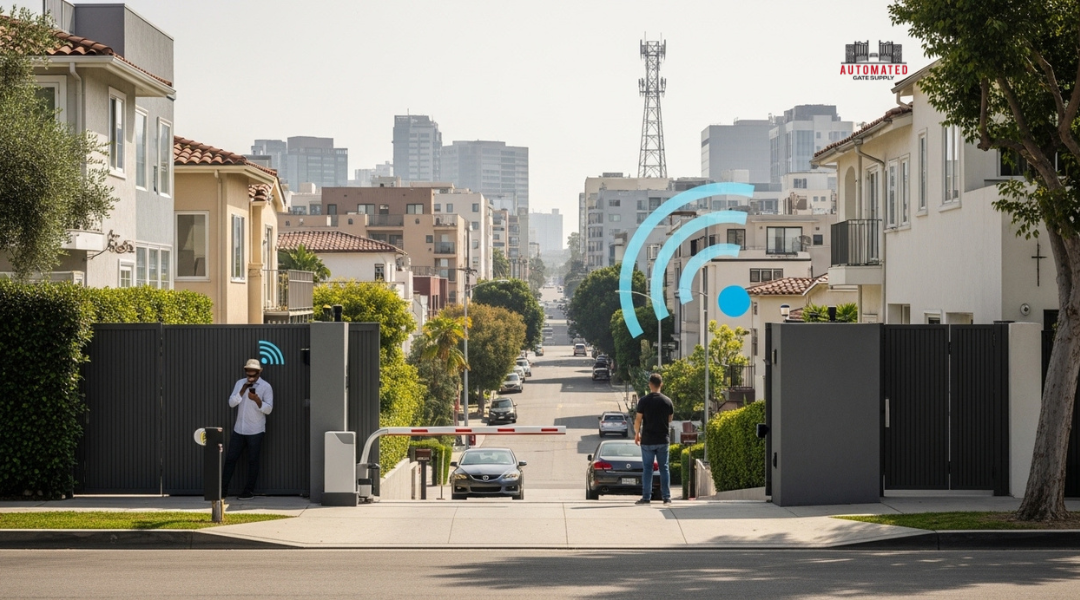
Dense urban zones create signal reflection and interference that can delay smartphone notifications or camera streaming. You can reduce issues by ensuring your router or access points cover outdoor gates or by using mesh networks. Cellular-connected systems, especially those using 4G or 5G, usually work more consistently across large properties.
Traditional remotes remain dependable when you need fast vehicle gate access without relying on internet connectivity. However, smartphone-based systems provide greater flexibility, remote management, and the ability to track access events even when you’re away—advantages that matter in a city where security and convenience intersect daily.
How Smartphone And Remote Systems Function Differently
Each system uses a different method to trigger gate access and verify user authorization. You benefit most by understanding how signals travel, how authentication works, and how factors like distance, power, and network quality affect reliability.
Radio Frequency Remotes Versus App-Based Network Protocols
Traditional remotes use radio frequency (RF) signals to communicate directly with a gate receiver. When you press the button, the remote sends a short encrypted code—often using rolling-code technology—over a fixed frequency like 315 MHz or 433 MHz. The receiver recognizes the valid code and opens the gate. This process happens almost instantly because it relies on short-range radio waves and doesn’t depend on an internet connection.
Smartphone-based gate entry systems work differently. Instead of fixed-frequency radio, these systems rely on digital network protocols such as Bluetooth, Wi‑Fi, or cellular data to send open or close requests through a mobile app. The app communicates with a control unit or a cloud-based access management platform. You can operate the gate whether you’re nearby or miles away, depending on the network used.
| Technology | Connection Type | Typical Range | Internet Needed | Example Use |
|---|---|---|---|---|
| RF Remote | Radio Frequency | Up to ~100 ft | No | Car gate opener |
| Bluetooth | Short‑Range Wireless | 30–300 ft | No | Local smartphone unlock |
| Wi‑Fi / Cellular | Network / Cloud | Unlimited (network-based) | Yes | Remote gate access |
Authentication Layers, Signal Range, And Response Dependencies
Security and reliability differ between phone-based and remote systems. A standard remote usually relies on a pairing code between the remote and receiver. While rolling codes improve safety by changing with each use, there’s little user verification beyond physical possession of the remote.
Smartphone-based access control adds multiple authentication layers. You may unlock through PIN codes, facial recognition, or app login credentials before the gate command is sent. Each step strengthens control, especially for multi-tenant or commercial properties managed through a mobile access control dashboard.
Signal range and performance also vary. RF remotes remain fast but limited to line-of-sight use. App-based systems depend on device connectivity and may run slower if Wi‑Fi or cellular coverage drops. However, cloud-linked systems can log all entries, support remote overrides, and let you manage users or revoke access instantly through your smartphone.
Reliability, Security, And Failure Mode Comparisons
Both smartphone-based gate systems and traditional remotes have unique strengths and weaknesses in everyday reliability and security. Your decision often depends on how each option handles connection issues, power loss, data protection, and unauthorized access risks.
Signal Loss, Battery Reliance, And Offline Access Limitations
Smartphone gate systems depend on mobile credentials and data connections. If your phone loses signal or the app server goes offline, you may face access delays. However, some systems use Bluetooth Low Energy (BLE) or local Wi-Fi to maintain function without full internet access. This allows gates to open even if cellular service is weak.
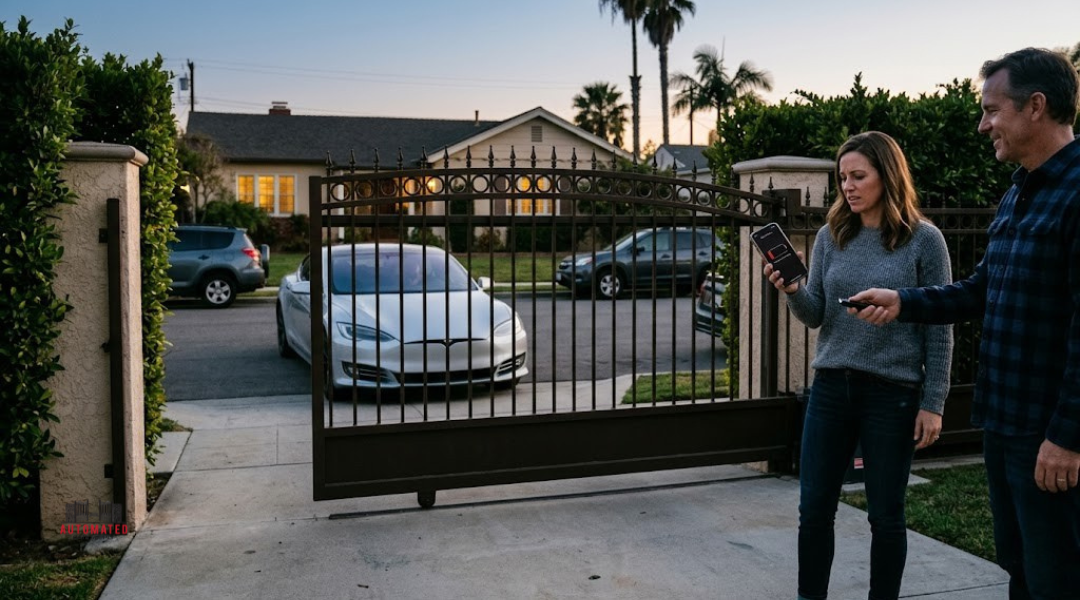
Battery power affects both methods. A dead phone disables mobile credentials, while a drained remote battery blocks physical access. Unlike remotes, phones often have backup options like power banks or wireless chargers. You can also store digital keys offline in some apps, providing temporary access if connectivity fails.
In comparison, traditional remotes offer simpler operation since they use direct radio frequency communication. Yet, interference from metal gates, vehicles, or nearby electronics can reduce range and consistency. The tradeoff is clear: smartphones offer smarter redundancy, while remotes provide basic predictability without network dependencies.
| Feature | Smartphone-Based Access | Traditional Remote |
|---|---|---|
| Connection Type | Wi-Fi, Cellular, Bluetooth | Radio Frequency |
| Power Source | Smartphone Battery | Coin Cell Battery |
| Offline Capacity | Limited (app-dependent) | Full (local RF signal) |
Vulnerability Surfaces Across Physical And Digital Access Methods
You face different security risks with each technology. Traditional remotes rely on fixed radio codes, which attackers can clone or intercept using inexpensive scanners. Smartphone systems use encrypted communication, reducing such cloning risks. Many also support two-factor or multi-factor authentication, forcing verification through a code, fingerprint, or facial recognition before opening gates.
With smartphone access, data protection depends on the strength of encryption and app security. Poorly managed cloud systems or outdated apps can create weak spots that hackers exploit. Enabling biometric access control adds a secure layer, ensuring only you can unlock your digital key.
Physical vulnerabilities remain for both. Lost or stolen remotes grant direct entry until deactivated. A stolen phone can do the same if no screen lock or remote disable option is active. Using device-level protections and regularly updating firmware helps reduce exposure in both systems.
Interpreting Convenience, Control, And Long-Term Tradeoffs
Smartphone-based gate systems change how you control property access by combining digital management with real-time visibility. Weighing these systems against traditional remotes highlights differences in how you issue permissions, track activity, and plan for future upgrades in performance and compatibility.
User Management, Audit Trails, And Shared Access Dynamics
With smartphone-based access, control extends beyond a single device. You can add or remove users quickly, give temporary permissions to visitors or service providers, and track who enters through access logs. This kind of visitor management makes it easier to monitor activity and limit unwanted access.
A traditional remote system usually lacks user-level tracking. If someone loses a remote, you must manually reprogram or replace it to restore security. That process takes time and doesn’t keep historical records of who accessed the property.
Smartphone systems commonly include audit trails that log the date, time, and identity of each entry. Some apps even send push alerts with gate activity details. These tools create clear accountability and help you adjust access instantly. Still, your management depends on reliable internet or mobile app servers, which introduces a layer of technical dependence that physical remotes avoid.
| Feature | Smartphone Gate Access | Traditional Remote |
|---|---|---|
| Add/Remove Users | Instant via App | Manual Reprogramming |
| Access Logs | Real-Time Records | None |
| Shared Access | Customizable Time Limits | Physical Hand-Off |
| Remote Dependence | Network & Power | Local Signal Only |
System Longevity, Upgrade Paths, And Integration Constraints
Long-term performance depends on how easily your system adapts. A smartphone-based platform often receives software updates and may integrate with broader smart home networks such as lighting, security cameras, or alarms. These upgrade paths extend system life but may require ongoing vendor support.
Traditional remotes, on the other hand, use hardware that changes slowly. They can last for many years with minimal maintenance, but hardware upgrades often require full unit replacement. Lack of integration with newer technologies can limit your ability to modernize the system affordably.
Smart gate systems can link with Wi-Fi, Bluetooth, or cloud-based dashboards, giving you flexible control. Yet these advantages come with added complexity, such as data storage policies and cloud subscription models. Your long-term costs depend not just on hardware but also on app updates and service availability.
Compatibility concerns also matter. Some mobile systems lock you into proprietary platforms, while others support open standards. Choosing a system with clear upgrade documentation and stable software support ensures consistent operation as technology evolves.
System Compatibility Insights From Automated Gate Supply Inventory
Smart gate technology continues to evolve, but many properties in Los Angeles still rely on older gate operators. You can improve access control by pairing existing equipment with modern smartphone or wireless remote systems, provided the hardware supports common communication and control standards.
Legacy Operator Compatibility With Modern Access Modules
Older gate operators often use low-frequency radio receivers or relay-based controls. Many of these units can accept plug-in modules from third-party brands that add Wi-Fi, Bluetooth, or cellular connectivity. This allows you to keep your existing gate motor while enabling smartphone gate access and keyless entry.
You should confirm compatibility with the operator’s control board before purchase. Manufacturers such as LiftMaster and FAAC sell interface kits that connect legacy terminals to modern wireless access modules. These adapters often use a simple two-wire trigger, which mimics the signal of a standard push-button remote.
| Compatibility Checkpoints | Description |
|---|---|
| Voltage output | Must match new module input (typically 12–24V). |
| Trigger type | Dry contact or relay signal support required. |
| Space and wiring | Ensure enclosure room for extra wiring and antenna. |
Integrators recommend verifying firmware requirements if you plan to use cloud-linked mobile apps. Some systems need an external bridge hub that translates between old relay logic and cloud-based platforms.
Hardware Standardization Across Remote And Smartphone Ecosystems
Standardizing access hardware simplifies installation and long-term maintenance. Today’s remote access and smartphone systems share many signal protocols—like 433 MHz RF, rolling code encryption, and Wi-Fi API communication. Knowing which of these your devices support helps you avoid hardware conflicts.
Remote-only systems rely on short-range radio transmitters, but smartphone-based setups depend on network components such as routers and gateways. When shopping, confirm that gate controllers recognize both RF commands and network requests from apps or virtual assistants.
Common standardized connections include:
- RJ-style data ports for accessory modules
- Wi-Fi/Bluetooth chipsets with open integration protocols
- Dry-contact trigger inputs compatible with universal relay outputs
By focusing on standardized hardware, you can use the same gate operator for multiple technologies—remotes, keypads, or phones—without replacing the operator each time new control methods emerge.