
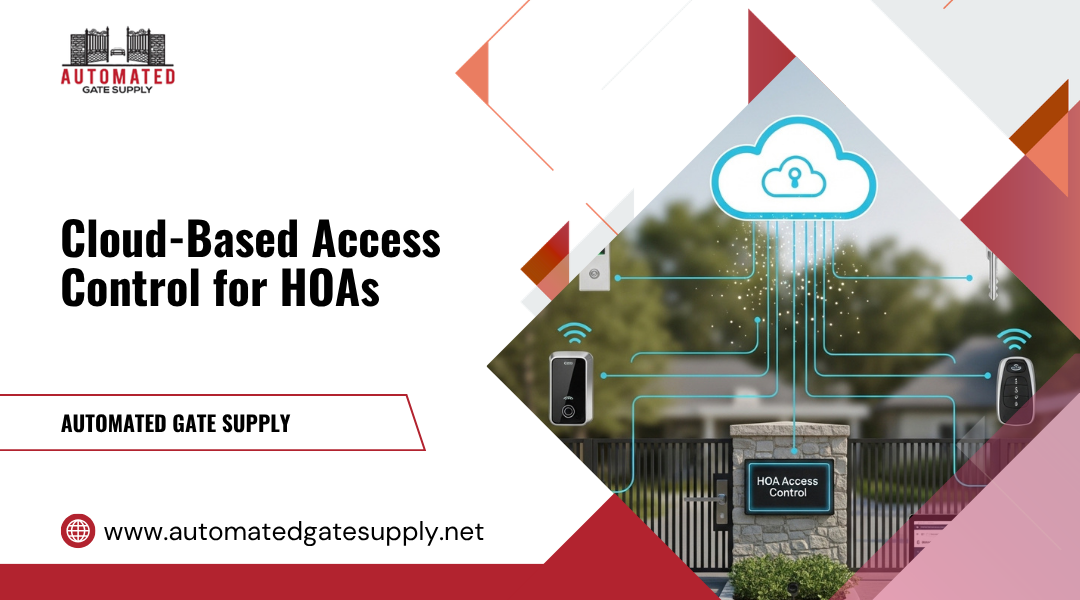
Managing secure entry across HOA communities and small apartment buildings often feels complex, especially when traditional access control systems demand on-site servers and manual upkeep. Cloud-based access control solves this challenge by letting you manage doors, gates, and common areas from any internet-connected device. You gain real-time control, lower maintenance costs, and the flexibility to adjust access instantly across properties.
You can oversee multiple buildings, issue digital credentials, or revoke access at move-out—all without visiting the site. This centralized approach supports both convenience and accountability, helping you track activity logs and maintain secure entry points for residents, guests, and service providers. Cloud management also integrates with property management tools, creating smoother operations for busy teams.
As technology evolves, modern access systems continue to merge with video intercoms, mobile credentials, and automated workflows. With options expanding rapidly, knowing which core features affect daily reliability and long-term value helps you choose the right solution. Automated Gate Supply has guided property owners through these decisions for over two decades, offering trusted support and advanced access control products tailored for modern living spaces.
Operational Context Across HOAs And Small Apartment Properties
Managing security in smaller residential environments depends on balancing convenience, cost, and control. You often deal with frequent resident changes, shared spaces, and limited staff resources, so the right system must adapt quickly while staying reliable and easy to manage.
Resident Turnover, Shared Access Points, And Administrative Overhead
In HOAs and small apartment properties, resident turnover can be high. Each move-in and move-out means changing authorized credentials, collecting old key fobs, or reprogramming locks. A cloud-based access control system simplifies this by letting you add or remove users remotely in real time, reducing manual work and security risks.
Shared areas—such as laundry rooms, gyms, and parking gates—require clear access rules. With cloud management, you can set time-based or role-based permissions without needing on-site adjustments. This structure reduces administrative overhead and ensures that only current residents or approved vendors can access shared entry points.
You also gain better visibility into activity data. Audit logs let you track entries, see patterns, and identify potential misuse, which helps you make informed policy decisions. Unlike older systems, updates and backups occur automatically through the provider’s servers, freeing your time for other property needs.
When Cloud-Based Systems Provide Meaningful Control Advantages
Cloud-operated platforms improve scalability and flexibility. As your property grows or new units are added, you can easily scale the system without installing extra on-site servers. You update access rights through a secure dashboard rather than visiting each door.
Small apartment managers benefit from centralized control. One platform can manage multiple buildings or gates, even across different addresses. This eliminates the need for standalone systems and reduces recurring maintenance costs.
Automatic software updates ensure newer encryption methods and authentication options stay current. Real-time monitoring and alerts provide quick responses to unauthorized access attempts. These improvements not only strengthen security but also reduce downtime caused by outdated or inconsistent equipment.
Core Architecture Of Cloud-Based Access Systems
A reliable cloud access control system depends on strong network design, secure credential management, and smooth communication between devices. These components help you maintain centralized control, automate updates, and manage user access across multiple entry points.
Cloud Servers, Edge Devices, And Real-Time Synchronization
Cloud-based access control connects door controllers and edge devices to centralized cloud servers through secure internet connections. The servers host access control software that stores permissions, user data, and event logs. You can monitor all doors, manage digital credentials, and run real-time monitoring from a single web-based dashboard.
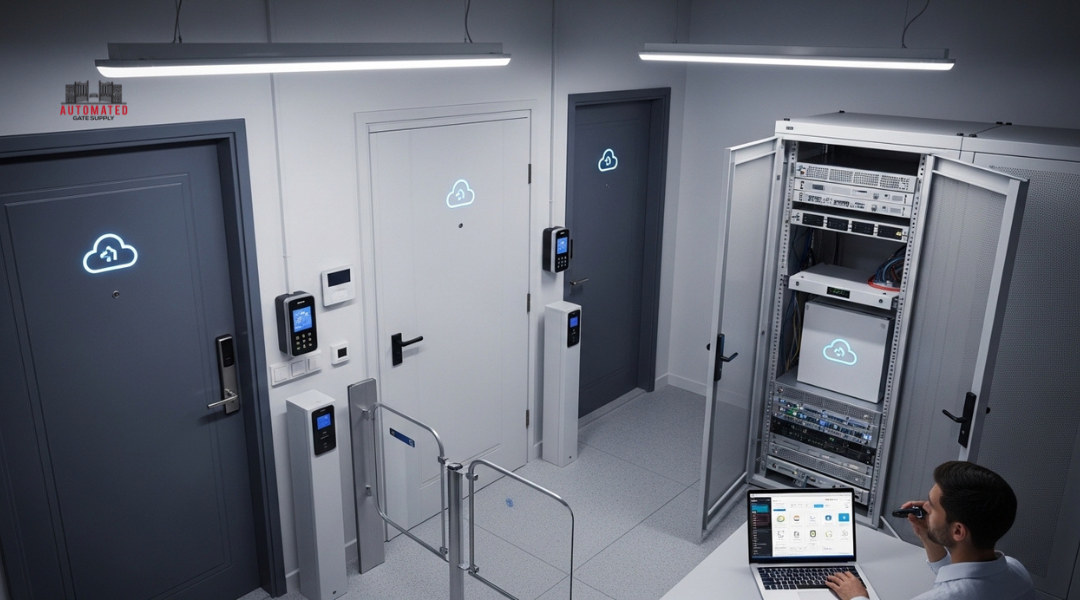
Edge devices such as access controllers and smart readers handle local authentication and open doors using buffered rules, even if the internet connection fails. Once connectivity returns, data syncs automatically with the cloud, keeping records consistent.
Automatic firmware and configuration updates help your system stay secure without on-site maintenance. This architecture supports multi-site management, allowing you to control several buildings through one login. The result is a flexible network that reduces physical server costs and simplifies remote management.
Credential Types, Permissions Hierarchy, And Remote Management Logic
You can issue several access credentials, including mobile credentials, key fobs, digital keys, key cards, or PIN codes. Some systems also support biometric authentication for higher security. These options offer touchless access or hands-free entry, improving convenience without reducing protection.
Each user receives defined access levels through a permissions hierarchy. Staff, residents, and vendors can have different rights that update instantly across all connected devices. The system enforces multi-factor authentication where required, combining phone-based approvals with digital or physical credentials.
Through remote access management, you control these credentials from anywhere. You can add or deactivate users, adjust door schedules, and view real-time entry logs through your cloud dashboard. Such centralized credential management strengthens identity control and reduces the risks of lost keys or manual errors.
Feature Depth That Impacts Daily System Performance
A well-designed cloud-based access control system gives you more than just door entry. The depth of its features affects how smoothly you manage residents, visitors, and staff every day. Reliable reporting, clear access rules, and seamless device integration make the difference between a system that works and one that causes delays or confusion.
Audit Logs, Access Scheduling, And User Role Segmentation
Strong audit logs and entry records let you view who entered, when, and through which door. These logs are stored in the cloud, so you can review them anytime without manual backups. Many systems offer real-time alerts that flag unusual activity such as repeated access attempts or after-hours entries, helping you respond quickly when a problem occurs.
You can also schedule access rights to match daily patterns—like limiting cleaning services to weekday afternoons or restricting gym access at night. This fine-tuned scheduling helps maintain order while keeping the environment secure.
User role segmentation defines the permissions of board members, residents, and vendors. For example, residents may have full entry to shared areas, while delivery personnel receive temporary digital credentials through your property management portal. These layers of control prevent overlap, reduce manual oversight, and keep your system organized.
Integration With Gates, Intercoms, And Existing Infrastructure
A system that integrates with your gates, video intercoms, and security cameras improves visibility at every access point. When a visitor calls from the gate, you can confirm identity through live video integration and unlock the entry directly from your phone. This convenience reduces wait times and supports faster visitor management.
Look for compatibility with smart locks and mobile unlock options so residents can open doors and gates using a code, smartphone, or fob. Integration with property management software lets you update user data once instead of across multiple systems.
The following table highlights helpful integration examples:
| Integration Type | Benefit |
|---|---|
| Video Intercom + Cameras | Verify visitors visually before granting entry |
| Smart Locks + Mobile App | Enable secure self-service entry for residents |
| Property Management Software | Sync resident and vendor access data automatically |
These connections simplify daily operations and reduce the technical friction between your digital and physical environments.
Interpreting Cost Structures And Long-Term Dependencies
Understanding cost structures helps you plan budgets and avoid expensive surprises. You also need to think about how long-term vendor relationships affect control over your system, data, and future flexibility.
Subscription Models Versus One-Time Hardware Investments
Cloud-based access control systems usually follow a subscription model. You pay a monthly or annual fee that covers software hosting, maintenance, and updates. This is different from buying and managing your own hardware, which requires higher upfront costs for servers, controllers, and wiring.
A simple comparison:
| Cost Type | Typical Example | Key Advantage | Key Risk |
|---|---|---|---|
| Subscription | $25–$100 per door monthly | Low upfront cost; continuous updates | Higher long-term payments |
| One-Time Hardware | $1,000+ per access point | Full ownership; local control | Requires IT maintenance |
Cloud subscriptions often include advanced encryption, cloud storage, and support for incident response events like emergency lockdowns. Automatic updates improve system security and compliance with data regulations. However, you stay dependent on active payments for full functionality. Missed renewals may suspend access or support, so stable budgeting is essential.
Vendor Lock-In, Data Control, And System Migration Constraints
Relying on one cloud vendor can make switching difficult. Many systems use proprietary software, meaning your credentials, cloud storage, or access logs may not transfer easily. When evaluating vendors, ask about data export formats, integration options, and how they handle encryption key ownership.
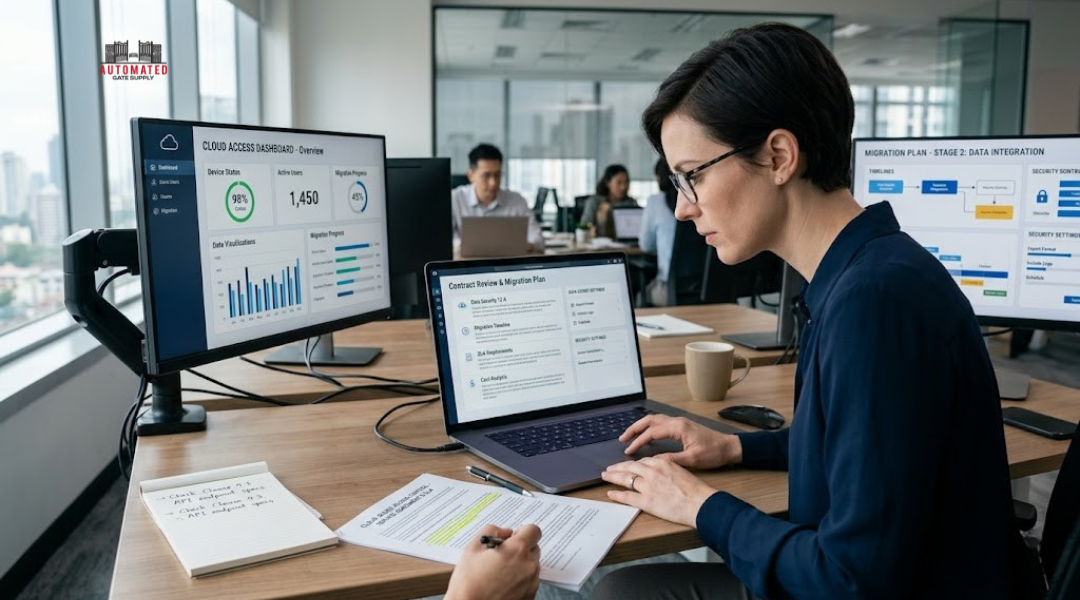
Vendor lock-in also affects upgrades and compliance. If you must follow specific security standards, ensure the provider meets those requirements and supports your internal incident response policies.
Migration can create downtime risks, especially during a live security environment. Choosing a system with open APIs and transparent service terms will help you keep control of your data and reduce long-term dependency.
Product And Compatibility Patterns Seen By Automated Gate Supply
Cloud-based access control products vary widely in how they integrate with existing gate hardware and how well they keep pace with technology upgrades. Your choice should balance system flexibility, equipment life span, and platform support to maintain performance and security without frequent replacements.
Interoperability Between Cloud Platforms And Gate Operators
You need a platform that communicates easily with your community’s gate operators and access hardware. Systems like Swiftlane, GoAccess, and ProdataKey often use open network protocols or support retrofit controllers that connect to older gate motors and intercoms through IP-based modules. This design lets your team manage gates using one dashboard, even across multiple properties.
Interoperability often depends on shared standards such as Wiegand, OSDP, or API-based connections. The wider the compatibility list, the easier it is to mix equipment from different manufacturers. Automated Gate Supply trends show property managers avoiding closed, proprietary systems because they limit vendor choice and raise maintenance costs.
| Compatibility Approach | Example Benefit |
|---|---|
| API Integration | Syncs gate events with visitor management or directory systems |
| OSDP Protocol Support | Enables encrypted communication between readers and controllers |
| Modular Cloud Bridge | Adds cloud control to legacy operators without replacing them |
When evaluating interoperability, confirm that firmware updates remain supported for several years and that your vendor’s cloud service is compatible with third-party monitoring or visitor tools.
Hardware Lifecycle Alignment With Evolving Access Technologies
Gate operators, readers, and controllers have longer lifespans than access control software. Your planning should account for hardware that can stay functional while technology shifts from cards and keypads to mobile credentials, license plate recognition, and AI-assisted visitor verification.
Manufacturers like Swiftlane and ProdataKey design modular equipment that supports software-defined upgrades. For example, a single reader may accept multiple credentials—Bluetooth, NFC, or QR code—through firmware updates instead of hardware swaps. You reduce waste and downtime while keeping up with changing access standards.
It’s also important to align replacement cycles between gate mechanisms and digital systems. By using cloud platforms with remote diagnostics and scheduled maintenance alerts, you can extend useful life and prevent unplanned failures. Over time, consistent compatibility and firmware support help your system evolve without restarting from scratch.